
Optimal Sensor and SLAM Configuration for “Crisp” Mapping
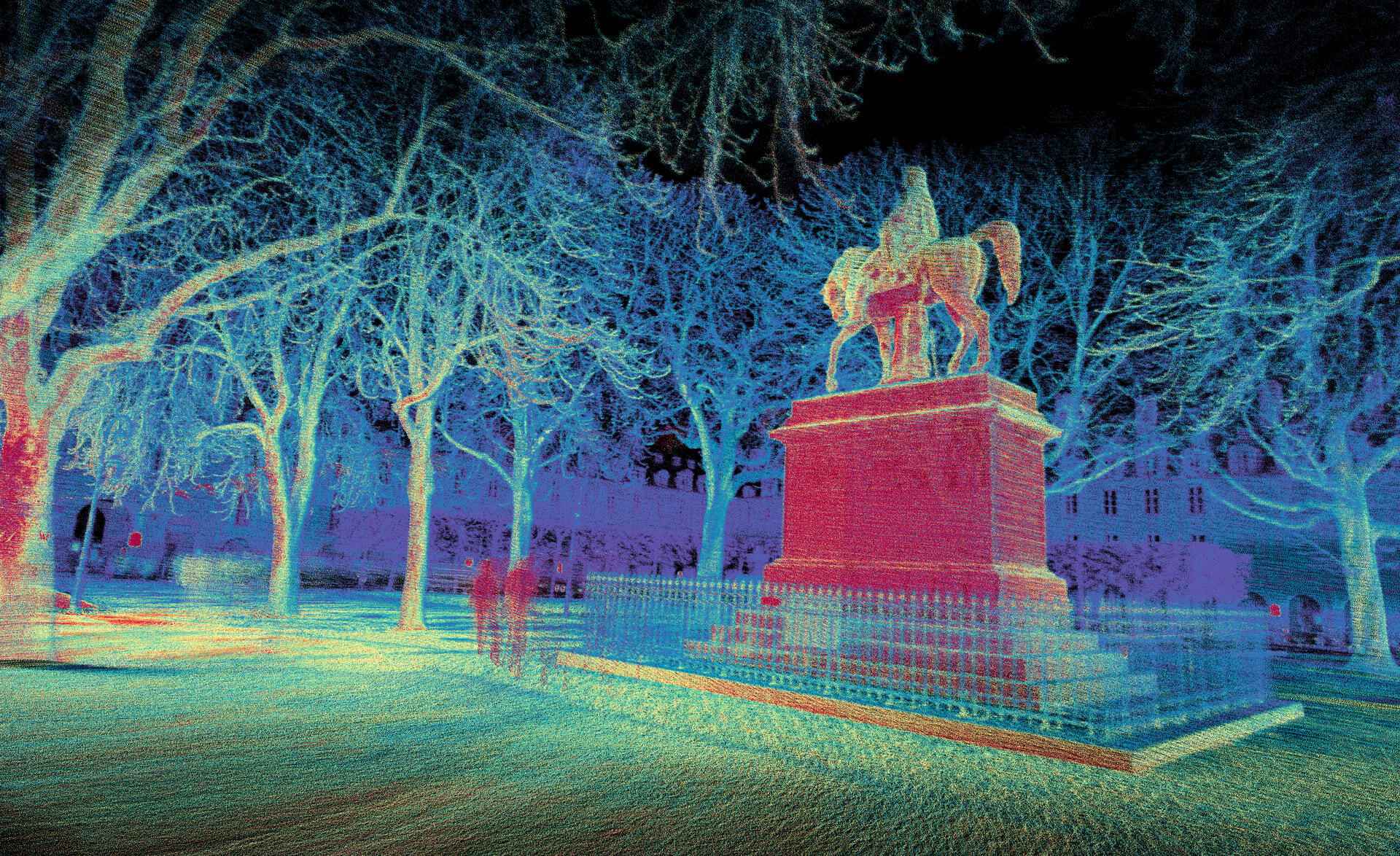
Learn how to achieve "crisp" 3D lidar maps using Ouster’s REV7 OS1 and firmware 3.2. This guide covers optimal SLAM configurations, beam collimation benefits, and ouster-cli commands for voxel sizing and reflectivity filtering to maximize spatial accuracy
See original post on the Ouster Community Forum
Capturing “crisp” 3D maps that achieve high precision and high accuracy is a primary use case for many Ouster customers. Lidar selection and configuration, SLAM parameters, and data post processing all play a part in maximizing the quality of a final map. What follows is a guide to generating high quality maps, ordered most to least important.
1. Use a REV7 OS1 due to its tighter beam collimation
The REV7 OS1 has ~2x tighter beam collimation than the OS0 or OSDome. This means that the OS1 projects a laser spot half the diameter of the other lidars leading to improved spatial accuracy when measuring building corners, power lines, or other thin objects.
2. Use the highest resolution lidar mode possible
The horizontal resolution setting, defined by the lidar_mode config param, affects the horizontal spot size of pixels. Said another way, the horizontal resolution defines the horizontal angular subtent of the pixel. Like beam collimation, the smaller the pixel size, the better the spatial accuracy.
As a result, 2048x10 mode has half the horizontal spot size of 1024x10 mode, and 4096x5 has one quarter the horizontal spot size of 1024x10. Use the highest resolution mode that you can as you will see drastically improved results on small objects. The downside of using higher resolution is there is more data to save, more compute required to run slam, and moderately shorter range as less laser power is devoted to each pixel.
You can set the lidar mode and persist the setting across power ups with ouster-cli:
ouster-cli source <sensor_hostname> config -p lidar_mode 4096x5
Check that the config has taken effect with:
ouster-cli source <sensor_hostname> config -d
3. Install firmware 3.2 and take advantage of the new IMU SLAM features
Many blurry maps are the result of imperfect pose estimation during fast motions and not a limitation of the lidar hardware itself. The new IMU feature in fw3.2 allows SLAM to better correct for these fast motions.
Both ouster-cli (installed with the ouster-sdk) and Ouster Studio Desktop will auto-configure the IMU feature when connecting and recording data from a live sensor. Try it out in the command line with ouster-cli:
ouster-cli source <sensor_hostname_or_pcap_or_osf> slam viz --accum-num 100
4. Define a smaller voxel-size in ouster-cli/SDK slam to improve registration
ouster-cli auto-calculates the voxel size of the voxel map used in the ICP registration step. It strikes a balance between crisp results and realtime performance with values typically between 0.5 and 2 meters. If you want the absolute best results, manually set the voxel-size to between 0.25 and 0.5 meters. Smaller voxels may sacrifice realtime performance meaning you need to record the data first, and rerun it offline.
ouster-cli source <sensor_hostname_or_pcap_or_osf> slam --voxel-size 0.25 viz --accum-num 100
5. Remove points below 1 meter and those with the minimum reflectivity
For any lidar, precision improves with increasing signal, meaning that “fuzzy” points in a map are generally low reflectivity, low signal points. For bi-static lidars, points under 1 meter also have worse precision. Ouster data sheets define precision for ranges greater than 1 meter for this reason.
A simple method to clean a map is to delete points below 1 meter in range and points with a reflectivity equal to “1”, which is the lowest valid value output by Ouster lidars. ouster-cli provides the filter command to accomplish this conveniently:
ouster-cli source <sensor_hostname_or_pcap_or_osf> slam filter RANGE 0m:1m filter REFLECTIVITY 1:1 viz --accum-num 100
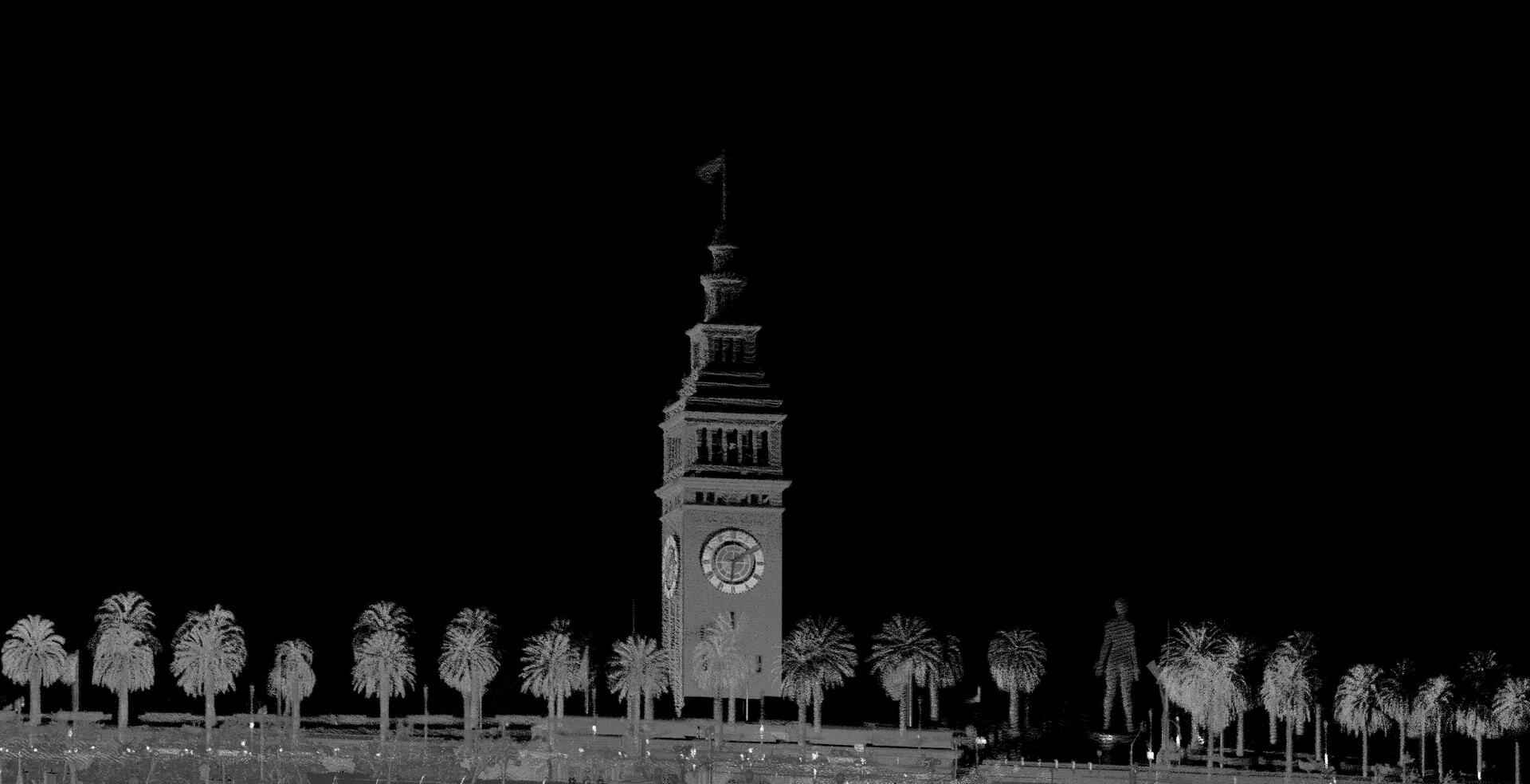
Ferry Building SLAM
Ferry Building SLAM
6. Exceptions
If your goal is to generate the most robust, low latency poses for odometry or localization, then 1024x20 mode is your best choice since SLAM is more robust the higher the frame rate. 1024x20 mode trades absolute map crispness for robustness under dynamic motion.
Conclusion
By taking the above steps you will see drastic improvements in map results when compared to out-of-the-box settings. If you have questions about the SDK, drop a message in the community forum. Here’s the final ouster-cli command putting it all together:
ouster-cli source <sensor_hostname_or_pcap_or_osf> slam --voxel-size 0.25 filter RANGE 0m:1m filter REFLECTIVITY 1:1 viz --accum-num 100