

Thermal Integration Best Practices
There are several considerations when designing heatsink integrations for your application.
1. Material Selection
Choose a material with high thermal conductivity to ensure heat is efficiently conducted away from the sensor.
If possible, the sensor should not share an interface with materials of low thermal conductivity. Materials such as wood (~0.12 W/m·K), glass (~0.935 W/m·K), and rubber (~0.140 W/m·K) should be avoided. Aluminum alloys are generally best for both thermal conductivity and mass properties.
Recommended aluminum alloys:
2. Interface Cleanliness
Ensure that all interfaces are clean and free from debris. Debris and contaminants reduce thermal conductivity at an interface.
3. Torque Values
Torque bolts appropriately for the mount material and bolt size specified. This ensures the best thermal conductivity at the interface without damaging threads.
4. Thermal Interface Material (TIM)
Use Thermal Interface Material (TIM) for any irregular or non-machined surfaces. TIM comes in paste or pad form and increases the surface area through which heat is conducted at an interface.
5. Avoid Over-Constraining the Sensor
Ensure that the sensor is not over-constrained if mounting to both SENSOR BASE and TOP CAP. Clamping the sensor between surfaces attached to both the SENSOR BASE and TOP CAP causes WINDOW deflection, which negatively affects optical performance.
Use a TIM pad to maintain good conductivity without over-constraining the sensor.
6. Maintain Operating Temperatures
Ensure your implementation maintains the base and top of the sensor below the maximum chassis temperatures listed in Max Operating Temperatures.
7. Airflow Clearance
To maximize Free and Forced Convection, the area around the sensor should be unobstructed.
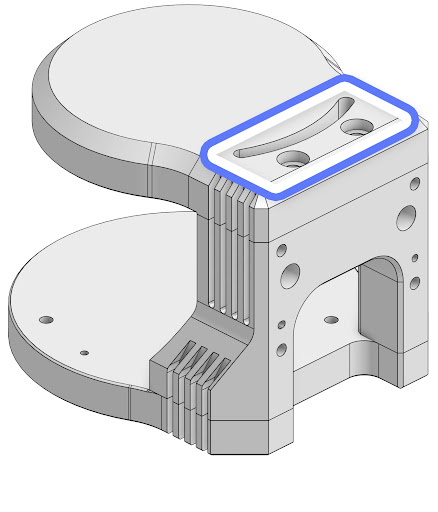
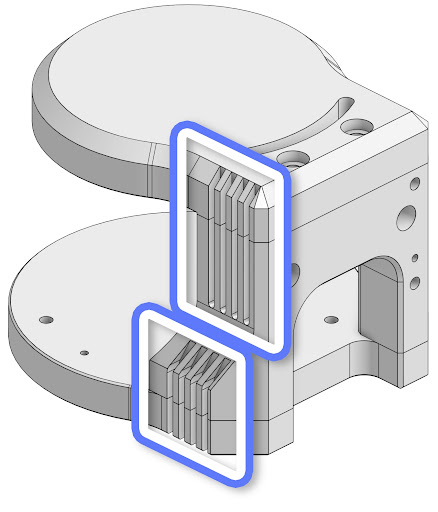
8. Heatsink Geometry
Design the shape of heatsinks to maximize surface area for Free and Forced Convection while remaining thick enough to allow heat to conduct through the material.
9. Drone and No-Heatsink Integrations
Whenever possible, it is highly recommended to use heatsinks. For special integrations where both the HEATSINK-RADIAL and HEATSINK-BASE are removed — such as drone integrations — it is critical to monitor thermal alerts closely. For these integrations:
- Use
STANDBYoperating mode until adequate Forced Convection (e.g., from flying) is provided. - If any thermal alerts are triggered, immediately put the sensor into
STANDBYmode or shut it off until adequate heatsinking is provided.
If the sensor consistently receives thermal alerts due to the removal of heatsinks, this will void the warranty.